How Do We Set a Purpose for Each Security Camera in a Medical Practice?
Medical practices have unique security needs, combining patient privacy concerns with the need to protect staff, assets, and sensitive information. When deploying CCTV cameras, it’s crucial to adopt a purpose-based CCTV strategy to ensure compliance, data minimization, and effective use of technology. This post walks through setting clear purposes for each security camera in your medical clinic, focusing on why clarity matters and how tools like Gallio PRO and role-based CCTV user accounts support best practices.
Why Define a Purpose for Every Camera?
Broadly, a security camera’s purpose should answer the question: “what incident would this help?”. Without a defined reason, you risk over-collection of footage, invasions of privacy, and compliance violations with healthcare regulations (HIPAA, GDPR, etc.).
Every camera needs at least one justifiable reason that aligns with clinic safety, patient confidentiality, or business needs. Examples include:
- Monitoring entry points to prevent unauthorized access
- Securing cash drawers or pharmacy windows from theft
- Documenting interactions at reception for dispute resolution
- Patient safety in waiting rooms (falls or aggression)
Having a camera justification list is essential for:
- Demonstrating compliance to auditors or privacy officers
- Preventing over-surveillance of sensitive areas
- Guiding camera placement and settings
- Minimizing the volume of footage collected—helping with storage and retention policies
Data Minimization: The Heart of Purpose-Based CCTV
Data minimization means collecting only what you need, for as long as you need it, and no more. This principle is vital in healthcare, where recorded images can reveal personal health information or staff details.
How to practice data minimization in your clinic CCTV:
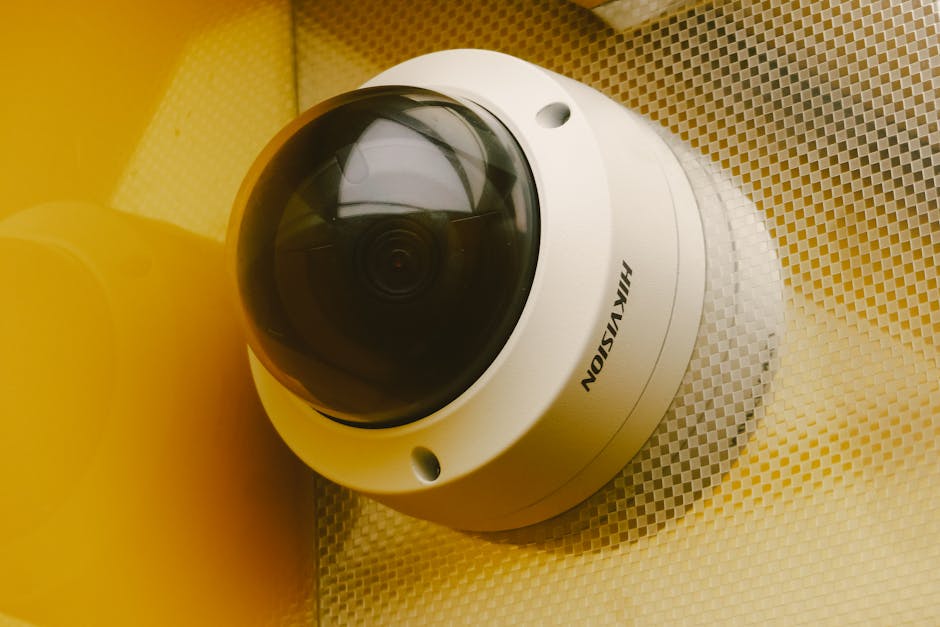
- Limit camera angles: Avoid cameras aimed directly at patient monitors or paperwork where confidential info is visible.
- Choose appropriate fields-of-view: Narrow views focusing on doorways or specific cash drawer angles instead of wide shots of entire rooms.
- Redact unnecessary details: Use on-premises tools like Gallio PRO to automatically anonymize badges, computer screens, or other private elements before footage is accessed or shared.
- Retention schedules: Don’t save footage “just in case.” Set and enforce deletion timelines aligned to policy and legal requirements.
Why On-Premises Solutions Matter
Cloud-based redaction options come with risk and cost. Gallio PRO securitysenses runs on-premises inside your network, ensuring sensitive video never leaves your clinic before anonymization. This drastically reduces the chance of breach and supports your duty of care.
Building a Camera Justification List
Start by listing every camera in your clinic and answering these questions for each:
Camera Name (e.g., Camera 2 - Cash Drawer Angle) Purpose / Incident to Solve Field-of-View Description Data Minimization Measures Retention Period Camera 1 - Reception Entrance Track visitor entry/exit to confirm authorized access, deter theft Wide-angle at front door hallway No direct view of ID badges; monitor screens blurred with Gallio PRO 30 days Camera 2 - Cash Drawer Angle Evidence in case of cash handling disputes or theft Tight shot on cash drawer, excludes receptionist workspace Restricted user access; anonymize customer faces unless incident reported 60 days, extend if incident ongoing Camera 3 - Waiting Room Monitor patient safety, detect falls or aggression Panoramic view, no clear faces during normal operation—auto-blur enabled Apply Gallio PRO for automatic face blurring except during incidents 7 daysThis list should be reviewed regularly as your clinic grows or workflow changes.
Camera Placement With Purpose in Mind
Choice of camera location is driven by its intended incident-prevention function, not convenience. Avoid aiming cameras at:
- Monitors displaying patient health info
- Paperwork or sign-in sheets
- Private staff discussions areas unless directly justified
Instead, choose layouts that maximize security while respecting privacy. For example, instead of framing a large waiting area with everyone’s face and full conversations, install multiple cameras with narrow fields focusing on safe walkway passages.

Role-Based CCTV User Accounts: Accountability and Privacy
Never share passwords for CCTV systems. Instead, implement role-based user accounts with named users aligned to job functions (e.g., “FrontDesk_Amanda,” “ClinicManager_Tom”). Benefits include:
- Tracking who accessed footage and when (audit trails)
- Granular permissions limiting unnecessary access
- Reducing insider risk by restricting sensitive video views
- Easing revocation of access when staff changes roles or leaves
Pair user roles with your camera purpose list to decide who needs access to specific footage. For example, only management and compliance officers see reception cameras’ full angles, while front desk personnel view cash drawer angles.
Documenting Camera Reviews and Field-Of-View Assessments
Field-of-view can drift due to bumps or changes in mounting. Conduct regular reviews (quarterly or after incidents) to:
- Verify cameras remain aimed at approved areas
- Identify new blind spots or privacy risks
- Update camera justification lists accordingly
Document review notes concisely, e.g.,
"Camera 2 shifted slightly after maintenance; re-aimed to exclude receptionist desk monitors. Confirmed redaction settings applied via Gallio PRO. Retention remains 60 days."Conclusion
Purpose-based CCTV goes beyond choosing to install cameras. It demands ongoing evaluation of what incidents each camera is intended to solve, careful planning of placement to minimize data collection, and strict user access controls. With tools like Gallio PRO for on-premises redaction and role-based user accounts, medical practices can maintain security without compromising patient or staff privacy.
Start today by building or refining your camera justification list and reviewing each camera’s field-of-view in your clinic. Remember: every camera should have a clear, documented purpose backed by thoughtful placement and privacy-safe management.